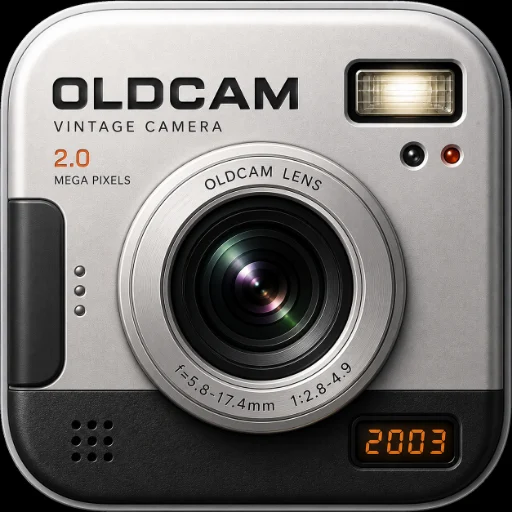
CCD color
Each camera applies its own color recipe: channel curves, saturation and tonal steps tuned to that camera's era, from the warm golden family camera to the cold ultra-slim.
Features & specs
OldCam takes a photo with your iPhone's camera, then processes it on the phone to look like it came from a compact digital camera of the early 2000s.
Each camera applies its own color recipe: channel curves, saturation and tonal steps tuned to that camera's era, from the warm golden family camera to the cold ultra-slim.
Sensor grain that grows at ISO 200 and 400, a slight color fringe and a soft lens, like small sensors of the time.
Darker corners, stronger on wide and floppy-disk cameras, and period JPEG compression, heaviest on the 640 × 480 Floppy Disk.
The screen becomes the back of the camera you pick: its body, rubber keys, a chrome shutter, a W/T zoom lever and a CAMERAS dial.
One tap for flash mode, ISO and the date stamp. MENU opens color modes, white balance, CCD processing, OldCam Pro and community links.
Turn the CAMERAS dial to swipe through all 11 bodies, each with a short boot screen when it powers on.
| Platform | iPhone (iOS) |
|---|---|
| Category | Photo & Video · rated 4+ |
| Price | Free · OldCam Pro $9.99/year or $3.99/month |
| Cameras | 11 (1 free, 10 with Pro) |
| Color modes | 2003 CCD (each camera's own color), Standard, Vivid, Sepia, B&W |
| White balance | Auto, Sunny, Cloudy, Tungsten |
| ISO | 100, 200, 400 (grain increases with ISO) |
| CCD processing | Soft VGA or Fine 1.2M |
| Flash | Auto, On, Off |
| Zoom | 1× to 4× |
| Date stamp | Amber, burned in, on or off; year follows the camera |
| Saved size | Full camera resolution down to 640 × 480, depending on the camera |
| File format | JPEG, with period file names (IMG_0001.JPG, DSCF0001.JPG, MVC-001F.JPG and more) |
| Storage | Camera roll and an OldCam album; in-app gallery of up to 128 photos |
| Sharing | Share to Instagram with a copied caption and hashtags, or any app |
| Processing | On device; no uploads, accounts, ads or tracking |
| Language | English |