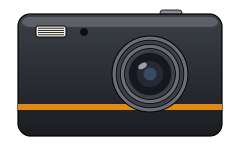
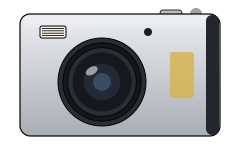
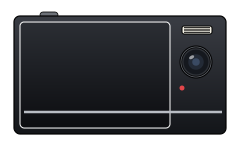
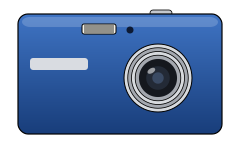
11 camera bodies
Each camera has its own body, buttons, color, grain, saved size and date stamp year. The Original is free; 10 more come with OldCam Pro.
iPhone camera app · Photo & Video
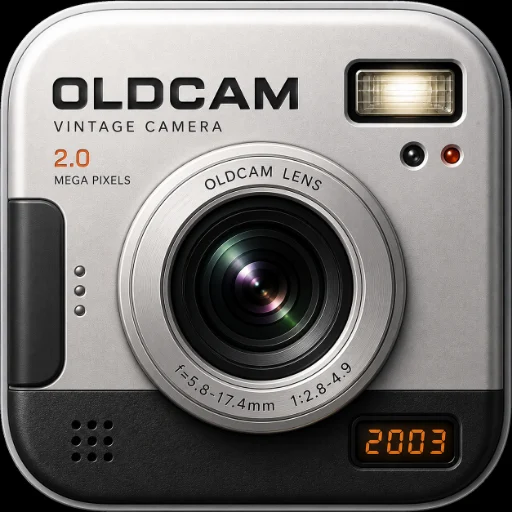
OldCam turns your iPhone into an early-2000s digital camera. Pick one of 11 vintage digicam bodies and every photo comes out with soft CCD color, real sensor grain and the amber date stamp in the corner.
Why OldCam
Each camera has its own body, buttons, color, grain, saved size and date stamp year. The Original is free; 10 more come with OldCam Pro.
Warm highlights, gentle softness, color shifts and grain that grows with ISO, processed on your iPhone as you shoot.
The burned-in '07 09 30 stamp, in the year of the camera you pick. Switch it off anytime.
No account, no photo uploads, no ads and no tracking. Your photos stay on your phone.
The collection
How it works
Turn the CAMERAS dial and swipe through the shelf. Each body brings its own color and grain.
Press the big chrome shutter. OldCam processes the photo and saves it to your camera roll and an OldCam album.
Tap Share to post on Instagram with a ready-made caption and #shotonoldcam.
OldCam Pro
$9.99 a year with a 3-day free trial, or $3.99 a month. Cancel anytime.
What Pro includesQuestions
OldCam is an iPhone camera app that makes your photos look like they were taken on a digital camera from the early 2000s: soft CCD-style color, sensor grain, a slight vignette and an amber date stamp burned into the corner. It has 11 camera bodies to choose from.
Yes. OldCam is free to download and The Original camera is free to use with every setting. OldCam Pro unlocks the other 10 cameras for $9.99 a year (with a 3-day free trial) or $3.99 a month.
Not yet. OldCam processes photos as you take them with its camera. Applying the look to photos from your library is planned.
Every photo is saved to your iPhone's camera roll and to an album called OldCam. You can also review them in the app's own gallery.
Free on the App Store. Tag @oldcam.vintage when you post.
Download on the App Store